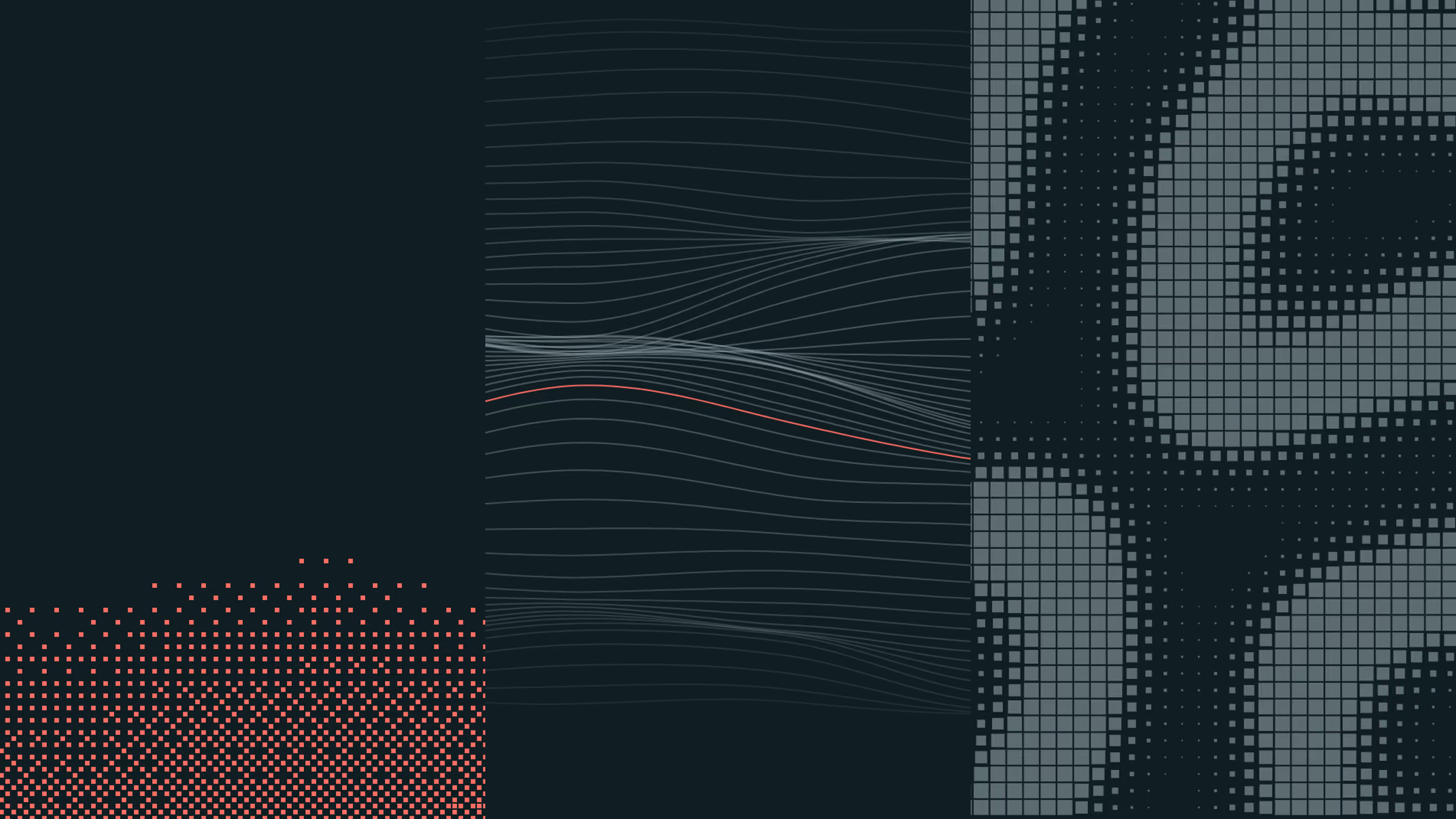
Opus 5.5 for video, motion and sound: how to use it, where it's strong and where it fails
We directed two video projects built entirely by Claude Opus 5.5 in code: an 88 second brand film and a set of case study reels. 46 versions later, here is how to use it, where it is strong and where it fails.
 Jaro
JaroOn this page
- 01What is Claude Opus 5.5?
- 02Can Claude Opus 5.5 make videos?
- 03What we made with Opus 5.5
- 04Where is Opus 5.5 strong at video?
- 05Where does Opus 5.5 fail at video?
- 06How to use Opus 5.5 for video: the workflow that worked
- 07Real footage: Pixabay, Pexels, NASA and your own phone
- 08AI voice-over and sound: what we tried
- 09What this means for founders who need video
Key takeaways
- 01Opus 5.5 makes video as code: no editing timeline, no After Effects, every frame rendered.
- 02It handles motion and easing extremely well, down to curves measured from references.
- 03It connects to stock libraries like Pixabay and Pexels by API and downloads the footage.
- 04It keeps a full version history: every render saved, tagged and one command away.
- 05It renders any aspect ratio from one source. Think of it as a responsive video editor.
Over one week we directed two video projects that Claude Opus 5.5 built entirely in code: our 88 second brand film and a set of case study reels for our clients. There is no editing timeline and no After Effects in either. A person directed, the model built, and every note we gave it is logged. This is what 46 versions taught us about where Opus 5.5 is strong, where it fails, and how to work with it.
What is Claude Opus 5.5?
Claude Opus 5.5 is Anthropic’s flagship AI model, released on 22 September 2026. Anthropic says it performs at the level of Claude Fable 5.1 on most work, costs 40% less to run than Opus 5 and writes output more than 30% faster. For video, what matters is that it sustains long, multistep work and reads images precisely.
| Spec | Claude Opus 5.5 |
|---|---|
| Input price, per 1M tokens | $4, down from $5 on Opus 5 |
| Output price, per 1M tokens | $20, down from $25 on Opus 5 |
| Context window | 1M tokens |
| Input types | Text and images |
| Where we used it | Claude Code, as a coding agent |
The input line shapes everything below. Opus 5.5 reads text and images. It cannot watch video or hear sound, so it has to build its own ways of checking its work.
Can Claude Opus 5.5 make videos?
Yes, by writing them as code. It builds the film with Remotion, a framework that renders React components to MP4 one frame at a time. Scenes, cuts, captions, easing curves, the mix and the score are all code it writes, renders and revises from your notes. You direct like an editor; you never touch a timeline.
That is different from text-to-video models that generate pixels from a prompt. A generated clip cannot be edited. A film in code can: move a cut by half a second, swap a word, re-render in another format. Think of it as a responsive video editor. Our film renders 16:9 and square masters from the same code, and early versions came out in 4:5, with captions and framing adjusted for each. It also means the model works blind, so it builds stand-ins for eyes and ears. On our film it rendered contact sheets of frames to look at, printed the loudness of every four seconds of sound, and modelled how the mix would sound on a MacBook’s speakers.
What we made with Opus 5.5
Two projects, the second built on the engine of the first.
The brand film. An 88.5 second manifesto for 3DAY, directed by Jaro and built by Opus 5.5 in Claude Code, and the video at the top of this page. It took 29 versions in three days, from Wednesday evening to Friday evening.
- 15 scene slots: Earth’s night side, a constellation of 1,300 lights, dividing cells under a tracking UI, and real footage.
- 10 stock clips, 3 recordings of our live client sites, 18 narrated lines.
- A score of about 2,000 lines of code, synthesized in Node.js.
- 16:9 and square masters for every version, about six to seven minutes per render.
Frames from the film. Earth's night side is drawn in code; the launch is NASA footage, and the dancer and welder are stock, all under one grade.
The case study reels. Short films that present a client’s website, starting with MobiWire, in four layouts: carousel, vertical, coverflow and wall. They took 17 versions. Six came in about three hours on the first day; ten came in about two hours on a Saturday night once the system was settled. From version 7 they render at 60 frames per second.
Where is Opus 5.5 strong at video?
Opus 5.5 is strongest wherever taste can be turned into numbers and systems. It kept hundreds of timings in sync between picture and sound, measured reference films precisely, built its own tools when it needed them, and turned each note into an exact change within minutes.
One clock for picture and sound. Every caption, cut and beat lives in one timing file that both the picture and the score read. In one sync pass it found sparks firing on a random timer and drums up to 0.6 seconds off, and moved every one onto its cut. Captions appear on the spoken word and never cross a cut.
Measuring motion instead of guessing it. For the case study reels we gave it four reference reels we admired. It measured them frame by frame, fitted their easing and found they all share nearly one curve. It became our house curve, cubic-bezier(0.62, 0, 0.35, 1), within 1.1% of every reference. It also found the rhythm: moves of about 1.8 seconds and holds of about 0.4. Our old reel did the opposite, short moves and long holds.
Sound that follows the picture. It renders a tiny silent preview, measures how much moves on screen in every frame and lets the music respond: the bass opens up as the reel moves, and every card landing gets a hit. On the brand film, a hiker got a footstep for every step of the walk, measured from the clip.
Building tools on the fly. It wrote a recorder that plays our client sites on a virtual clock, so every animation advances exactly one frame at a time and plays back perfectly smooth. It wrote a footage fetcher, a voice retimer and a sound bus that turns bass into frequencies laptop speakers can actually play.
Finding its own mistakes with measurements. It measured that the case study cards sat at 46% of the frame height instead of the centre, and that a background grid was half a gutter off, and fixed both to the pixel.
Where does Opus 5.5 fail at video?
Opus 5.5 fails at restraint and feel. It cannot watch playback or hear the mix, so it adds generously and cannot tell when something is one too many. Almost every human note across 46 versions removed a sound, shortened a shot or reverted a change that measured fine but felt wrong.
It overdoes sound. On the brand film, per-slide whooshes, swishes and sweeps were removed across several versions, because each one read as clutter when we listened. A louder effects bus was rolled back a version later, and the opening went back to an earlier, quieter sound.
Its musical taste is generic. On the case study reels it chose a “modern brand reel” track for version 5: supersaw, kick, hats. We called it terrible and went back to the version 4 synth. Earlier, the string pad “made it sad”. Both were judged by ear.
It overcorrects when you praise a direction. We marked version 13 of the reels as the best. When we asked for a simpler opening, version 15 collapsed it into one move on one chord. Version 16 was literally “v15’s timing with v13’s music”. Listening caught it, not a metric.
It cannot see what only playback shows. A caption leaked over the next shot. A clip ran out before its slot ended and froze on its last frame. The reels’ mix sat around -20 dB, far quieter than social video plays, until version 16 brought it to about -12, even though the model printed loudness numbers from day one. Numbers without a target do not catch a problem.
It adds defaults you did not ask for. The first case study reel came with captions, a stats card and extra marketing screens. The note was simply “no added text”. That rule now lives in the project’s instructions, so it never comes back.
The tools around it slip too. ElevenLabs’ timing could put a caption up to 0.9 seconds ahead of the voice, one take read “life” as “live”, and headless Chrome recorded a client’s embedded video as a black box with a spinner. The model fixed each one, but only after the check that exposed it existed.
As our film’s own description puts it: the model can measure; it can’t yet tell you what moves you.
How to use Opus 5.5 for video: the workflow that worked
The workflow matters more than the prompt. Opus 5.5 makes changes so quickly that the real risk is losing track, so everything below is about keeping every version comparable and every note on record.
- Start with references, and have it measure them. Give it two or three films you admire and ask for their curves, timings and rhythm as numbers. Measured references became rules we reused across every layout.
- Give it your brand as tokens. Our films read their fonts, colours, radii and shadows from a mirror of the website’s design system, so they look like the brand they promote.
- Keep one timing file. Picture, captions and sound all read the same file, and the score is never allowed a hard-coded time.
- Log first, render on your word. Every note goes into a change log before any code changes, and nothing renders until you say “render”. It batches notes into versions you can judge.
- Version everything. Each render gets its own folder and git tag and is never overwritten. Mark a “best”, compare against it, and roll back in one command when a change makes things worse.
- Give it eyes and ears, with targets. Contact sheets, a loudness report per section, a laptop speaker model, a Whisper check on every voice take. Then set the target, for example the loudness social platforms play at.
- Give short, sensory notes. “The music sounds sad.” “This flare stays too long.” “No added text.” It turns those into precise changes; you do not need the technical words.
- Save what you learn as rules. When a version is right, have it write the settings and lessons into the project’s instructions. Our note on the reels was “save the settings, the next company we do will use this”. The next case starts from those settings, not from scratch.
Real footage: Pixabay, Pexels, NASA and your own phone
Drawn scenes alone look generated. Real footage is what makes an Opus 5.5 film look shot. Ours mixes clips from Pixabay and Pexels, NASA’s public Saturn V launch film, recordings of our live client sites and a few clips from Jaro’s own phone, all under one shared colour grade, grain and vignette.
For stock footage it wrote a fetcher that searches each shot with several phrasings, downloads every full HD candidate and saves the credits, so a person picks the best take by eye. The core of it:
const res = await fetch(
  `https://pixabay.com/api/videos/?key=${KEY}&q=${encodeURIComponent("eye macro")}&per_page=8&order=popular`
);
const { hits } = await res.json();
// Keep the largest rendition at least 1920 wide, save it with its credits.
Three rules from doing it. Search several phrasings per shot, because “eye macro” and “iris close up” return different footage. Keep the credits and check the licence of each clip: Pixabay and Pexels are free for commercial use under their own terms, and NASA footage must not suggest NASA endorses you. And watch the whole clip before it goes in: we trimmed one to the part we could actually use.
AI voice-over and sound: what we tried
Voice took more rounds than anything else. Opus 5.5 can wire up any voice service and time captions to the words, but which voice feels human is a decision only a listener can make.
We tried seven setups on the brand film: Kokoro, an open-source voice running locally; a female Kokoro variant; Chatterbox, also open source; ElevenLabs on its earlier model; a clone of Jaro’s own voice made from 20 seconds of one of his videos; ElevenLabs v3 with a casual founder voice; and finally ElevenLabs v3 with the British storyteller we had started with, read as one performance and cut into lines. Every take was checked word for word with Whisper, which is how the misread “life” was caught.
The score and nearly all the sound design are synthesized in code: piano, strings, bass, impacts. Because they read the picture’s timing file, every hit lands on its frame. For the reels we also mastered to a loudness target with a limiter at -1 dB, after the early versions turned out far too quiet.
What this means for founders who need video
Opus 5.5 moves the cost of video from production to direction. A film like ours usually means weeks with a studio; this one took three days of notes. The scarce skill now is knowing what the film should say and hearing when a sound is one too many.
If you are making your own, budget your time for watching and listening, not building. And if you would rather have a studio direct your brand, website and the films that launch them, tell us what you are building.
Questions founders ask
01Can Claude Opus 5.5 make videos?
Yes, as code. It writes the film with Remotion, a framework that renders React components to MP4 frame by frame, and handles motion design, typography, footage, captions, sound design and the score. It does not generate pixels the way text-to-video models do, and it cannot watch or hear the result itself.
02How does Opus 5.5 check a video it cannot watch?
Through stand-ins it builds for itself. On our film it rendered contact sheets of frames to look at, printed loudness for every four seconds of sound, modelled how the mix sounds on laptop speakers, and checked every voice take word for word with Whisper. A person still has to watch and listen to judge the feel.
03How long does a video take with Opus 5.5?
Our 88 second brand film went through 29 versions in three days, with a full render of four files taking about six to seven minutes. On the case study reels we made ten versions in about two hours once the setup existed. The time goes into direction and review, not production.
04Is Claude Opus 5.5 good at motion design?
Very, when it has references. It measured four reference reels frame by frame, fitted their easing to one house curve and turned their rhythm into rules: long moves, short holds, one card per step. Without references it falls back on generic motion.
05Can Opus 5.5 do voice-over and music?
It wires them up and can synthesize music in code. Our score was written in Node.js and timed to the picture by the same timeline. For narration we tried seven voice setups, from open-source Kokoro and a Chatterbox clone of the director's voice to ElevenLabs v3, which we kept.
06Where does Opus 5.5 fail at video?
At restraint and feel. It added sound effects generously, picked a music style we rejected, and once overcorrected a scene we liked. Every one of those was caught by a person watching or listening, which is why a human director is still the core of the process.
Sources
- Our film on YouTubeEvery founder remembers the night it first worked, directed by Jaro, built by Opus 5.5
- Anthropic: Claude Opus 5.5Release, pricing and availability
- Claude docs: Prompting Claude Opus 5.5Capabilities, effort and design defaults
- Remotion documentationMaking videos programmatically with React
- Pixabay API documentationVideo search endpoint and licence
- Pexels APIFree photo and video search API
- NASA Image and Video LibraryPublic footage, including the Saturn V launch film we used
- ElevenLabsThe v3 voice we kept for narration
Founder and creative director. Nine years and 60+ websites as a Webflow Premium Partner, including the rebrand and site for MobiWire, a top five ODM globally. Runs several SaaS products of his own, including a top three SEO app for Webflow.